Process Creation
UNIX process creation
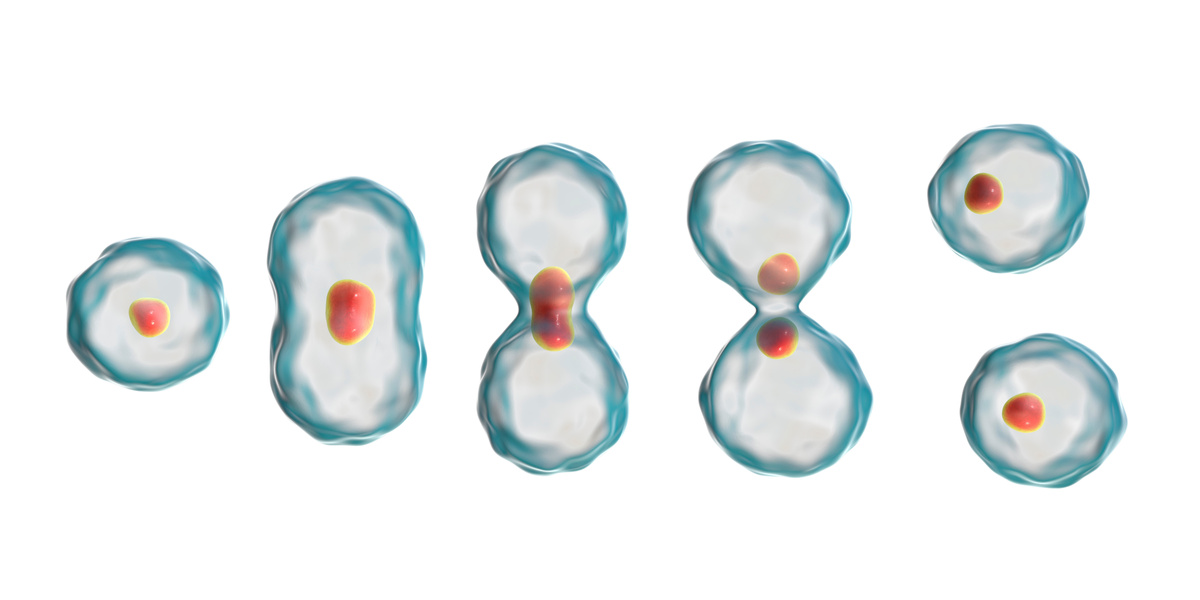
Duplicate an existing process with
fork()Replace new process’s program code with
exec
Question: If all processes are created by fork(), where
does the first one come from? Answer: init (usually systemd)
Using fork()
Fork duplicates the process
- Same program running
- Same open files (including stdio)
- “Copy” of memory
LPI Figure 24-2 (open file tables) LPI Figure 24-3 (copy-on-write)
fork_1.c
#include <stdio.h>
#include <unistd.h>

int main(void) {
    pid_t pid = fork();
    printf("Hello, world!\n");
    return 0;
}
Running the above code will print the string twice, showing how
fork() duplicates a process.
The child may be a copy of the parent process, but will it share the parent process’s PID?
fork_2.c
#include <stdio.h>
#include <unistd.h>

int main(void) {
    pid_t pid;

    sleep(4);
    pid = fork();
    printf("Hello, world!\n");
    sleep(4);

    return 0;
}
This example helps show how the parent and child processes, despite being copies of each other, are distinct processes with different IDs.
Run the above code in the background with
./fork_2 &, then run ps to view the PIDs
of the parent process. After the message “Hello, world!” is printed
twice, run ps again to view the PIDs of both the parent and
child processes. Notice how they differ.
How can we tell the parent process apart from the child process after
fork()ing?
Changing the child’s behavior
If fork() duplicates a process, how do we prevent both
processes from just doing the exact same thing?
fork()’s return value
man fork
Fork returns: - -1 on error - 0 in the child process - The PID of the child (a positive integer) in the parent
fork_3.c
#include <stdio.h>
#include <stdlib.h>
#include <unistd.h>

int main(void) {
    pid_t pid = fork();

    if (-1 == pid) {
        perror("fork");
        exit(1);
    } else if (0 == pid) {
        printf("printf from the child\n");
        _exit(EXIT_SUCCESS);
    } else {
        printf("printf from the parent (child PID: %d)\n",
                pid);
    }

    return 0;
}
The above example illustrates how we can use fork()’s
return value to tell the parent process apart from its child.
Notice that in the child, we don’t call exit(), but
instead call _exit(). This is because exit()
can trigger cleanup functions registered by the parent (with a call to,
e.g., atexit()), which may be unsafe for the child to
perform as well when it exits (e.g., writing a message to a file). To
avoid this, we use _exit(), which will not trigger any
exit() function setup by the parent.
fork_4.c
#include <stdio.h>
#include <stdlib.h>
#include <unistd.h>

int main(void) {
    pid_t pid;
    switch (pid = fork()) {
        case -1:
            perror("fork");
            exit(1);
        case 0:
            printf("printf from the child\n");
            _exit(EXIT_SUCCESS);
        default:
            printf("printf from the parent (child PID: %d)\n",
                   pid);
            exit(0);
    }

    return 0;
}
This example behaves the same as the previous one, and serves to
illustrate the switch-fork idiom, which is commonly-used when working
with fork() to enhance program readability (but feel free
to contest this opinion).
Using exec
exec
replaces a process with a different program
- A new process is /not/ created
- Exec should not return
- Process retains its original PID
getpid.c
To demonsrate that exec does not change a process’s PID,
we’ll use the following program, which invokes the getpid()
system call to obtain PID of the invoking process.
#include <stdio.h>
#include <unistd.h>

int main(void) {
    printf("PID: %d\n", getpid());
    return 0;
}
exec_1.c
#include <unistd.h>
#include <stdio.h>

int main(void) {
    const char *pathname = "./getpid";
    char *const argv[] = { "./getpid", NULL };
    execv(pathname, argv);
    // Shouldn't happen.
    perror("execv");
    return 1;
}
The above example shows how to use execv() to replace a
process with a different program, in this case ./getpid.
First we store the path to the program to run in pathname,
then store the program’s arguments in an NULL-terminated
list argv. The first element in argv is the
path the getpid because, by convention, the first argument
to Unix programs is always the path to the program being ran.
After invoking execv(), we unconditionally return an
error. Why? Because according to the man pages for the exec
system calls (there are several variants we will shortly see),
exec only return on failure, since on success, it replaces
the invoking process with a different program.
Try modifying exec_1.c to invoke the system call
getpid() before invoking execv() to see for
yourself that the PID of the process does not change.
What about running a program on our $PATH like
ls?
exec_2.c
#include <unistd.h>
#include <stdio.h>

int main(void) {
    const char *file = "/usr/bin/ls";
    char *const argv[] = { "/usr/bin/ls", NULL };
    execv(file, argv);
    // Shouldn't happen.
    perror("execv");
    return 1;
}
This example shows that, in order to exec a program on
our path like ls, we must pass the full path to the binary
to the system call.
Is there a way to avoid needing to pass the full path, and instead
call ls like we would on the command line, without
specifying the full path?
exec_3.c
#include <unistd.h>
#include <stdio.h>

int main(void) {
    const char *file = "ls";
    char *const argv[] = { "ls", "-1", NULL };
    execvp(file, argv);
    // Shouldn't happen.
    perror("execvp");
    return 1;
}
The above code uses execvp(), another variant of
exec, to run a program on our $PATH.
execvp() will search our path for the program to run. This
is what the p suffix stands for.
This example also shows how to pass arguments to exec’d
programs, passing the -1 flag to ls to print
one directory entry per line.
Quick quiz
- Recall the previous diagram
- How can we change a child process to run a different program?
- Can you think of a program that does this?
- Hint: We’ve been using it throughout this lecture!
We can change the child process to a different program by invoking
one of the exec system calls.
A program which does this is the shell! Whenever you run a shell
command, Bash invokes fork() to duplicate the shell, then
execs the called program in the child shell.
Unix process creation
with fork() and exec
See LPI Figure 24-1.
Examples combining
fork() and exec
fork_exec_1.c
#include <stdio.h>
#include <stdlib.h>
#include <unistd.h>

int main(int argc, char **argv) {
    pid_t pid;

    switch (pid = fork()) {
        case -1:
            perror("fork");
            exit(EXIT_FAILURE);
        case 0:
            puts("Inside child process\n");
            char *prog = "/usr/bin/printenv";
            char *newargv[] = {
                "/usr/bin/printenv", "FOO", NULL
            };
            char *newenv[] = {
                "FOO=This message is the value of FOO",
                NULL
            };
            execve(prog, newargv, newenv);
            perror("execve");
            _exit(EXIT_FAILURE);
        default:
            printf("The parent is still running. "
                   "Child PID: %d\n", pid);
            exit(EXIT_SUCCESS);
    }

    return 0;
}
Here we change the child process by invoking within it
execve(). execve() accepts a third argument,
another NULL-terminated array, allowing us to specify the
environment of the child process. We can use this to modify the child’s
behavior.
In this example we replace the child with the printenv
command, which prints the value of a given environment variable, in this
case, FOO since that’s what’s passed in the
newargv argument. Try running printenv FOO in
your shell, then run ./fork_exec_1, and see the difference
in output. FOO has a new value in the child process because
we assign it a value in the newenv argument to
execve().
Why do we need to pass the full path to printenv to
execve()? Because we are using a form of exec
that lacks the p suffix.
fork_exec_2.c
#include <stdio.h>
#include <stdlib.h>
#include <unistd.h>

int main(int argc, char **argv) {
    pid_t pid;

    switch (pid = fork()) {
        case -1:
            perror("fork");
            exit(EXIT_FAILURE);
        case 0:
            puts("Inside child process\n");
            sleep(5);
            char *prog = "sleep";
            char *newargv[] = { "sleep", "10", NULL };
            execvp(prog, newargv);
            perror("execvp");
            _exit(EXIT_FAILURE);
        default:
            printf("Child PID: %d\n", pid);
            sleep(10);
            exit(EXIT_SUCCESS);
    }
}
We can run the above code in the background with
./fork_exec_2 &, then run ps the different
PIDs of the parent and child, and how the child’s PID does not change
after invoking execvp().